
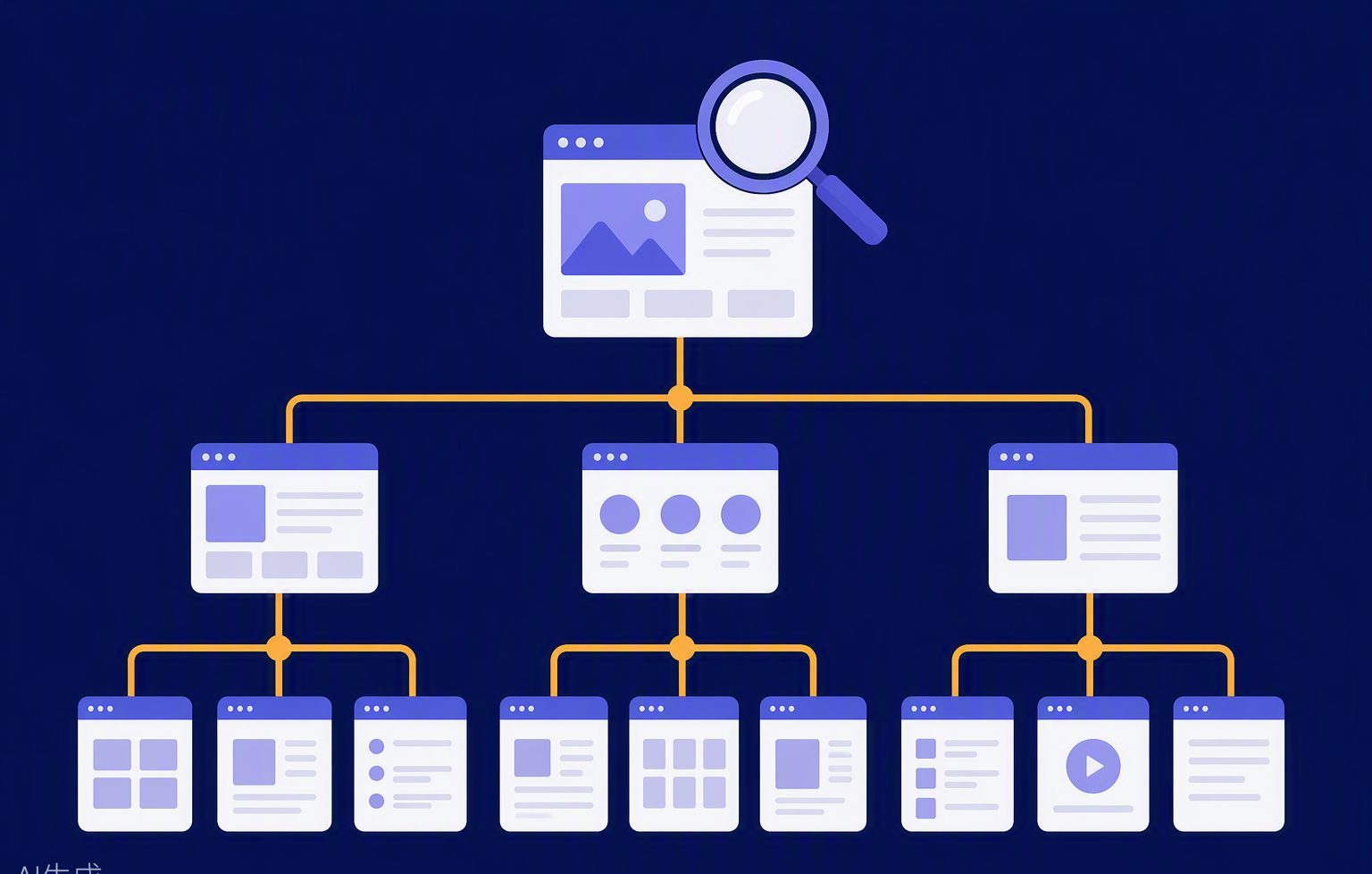
SEO website structure is the set of decisions about which addresses exist and how they relate. People often picture a diagram of folders. The diagram matters only because each box is a URL a customer might land on from Google. If the URL is vague, duplicated, or impossible to reach from the rest of the site, the diagram is decoration.
For a small business site the structure can stay shallow. A homepage, a handful of service URLs, a contact URL, and a blog folder for guides is a complete SEO website structure. Depth is not a ranking prize. A page buried five folders down is not more optimised. It is just harder to link to and harder to remember.
Folders are labels, not a ranking trick
A folder such as /services/ or /blog/ tells a human what kind of page they are on. That is useful. It is not required for every page. A short URL like /contact is better than /company/information/contact-us/form if both would show the same screen. Choose the shorter, stable name and keep it.
Avoid creating folders you do not have a page for. An empty /locations/ directory with one thin page per village is a structure that looks organised and performs badly. If you work in several towns, say so on the service page unless each town has genuinely different information: a different team, a different depot, different proof.
One topic, one URL
The centre of an SEO website structure is one-to-one. One topic, one address, one title. If the same service is described on the homepage, on a service page, and on three blog posts that repeat the same paragraphs, you have three URLs competing and two of them are wasted. Keep the full offer on the service URL. Let the homepage summarise and link. Let a guide answer a narrower question and link back.
Canonical tags are the backup, not the plan. If two URLs show the same content, redirect one to the other. Use the canonical to confirm the preferred address of a page that is already unique. The messy cases, and how to avoid them, are in the site’s older notes on structure and in how to structure a website for SEO.
The URLs you should usually have
Home, at the root. A page for each service you want found, either at the root or under a single services folder, not both. Contact. About, if there is something real to say. A blog index and individual guide URLs if you publish answers. A privacy page if you collect form data. That list covers most service businesses.
You usually do not need a separate URL for every heading on the homepage. You do not need tag pages, author pages, or a search results URL in the sitemap. You do not need a printable version of every page. Each extra URL is another thing to title, link, and keep from becoming a duplicate.
How the menu and the breadcrumbs should match
The menu is the public version of the structure. If a service matters, it appears by name. Breadcrumbs, when you use them, should follow the same path: Home, then the section, then the page. Do not invent a breadcrumb trail that does not match the URL. Visitors use it to move up a level. Google uses it as a hint about the relationship between pages.
In-text links fill the gaps the menu cannot. A guide lives in /blog/ but should still link to the service it supports, even if that service sits outside the blog folder. Folders do not replace links. The internal linking strategy is part of the structure, not a later decoration.
Changing a URL after Google knows it
Structure is allowed to improve. When you rename a page, keep the new URL descriptive and redirect the old one with a permanent redirect. Update the internal links so they point at the new address directly. A redirect is a safety net, not a substitute for fixing the links you control.
Check Search Console after the change. The old URL should fall away and the new one should be the one getting impressions. If both stay in the results, the redirect or the canonical is not doing what you think.
A structure you can explain in a minute
If you cannot list your live URLs from memory, the structure is too loose or the site has grown pages nobody owns. Export the sitemap, delete anything you would not want a customer to land on, and redirect what you remove. Then make sure the remaining list matches the menu.
That short list is the SEO website structure. Design, hosting and plugins sit around it. If you want the list built into a new site, see the website services or send the URLs you already have and we will say which ones should stay.