
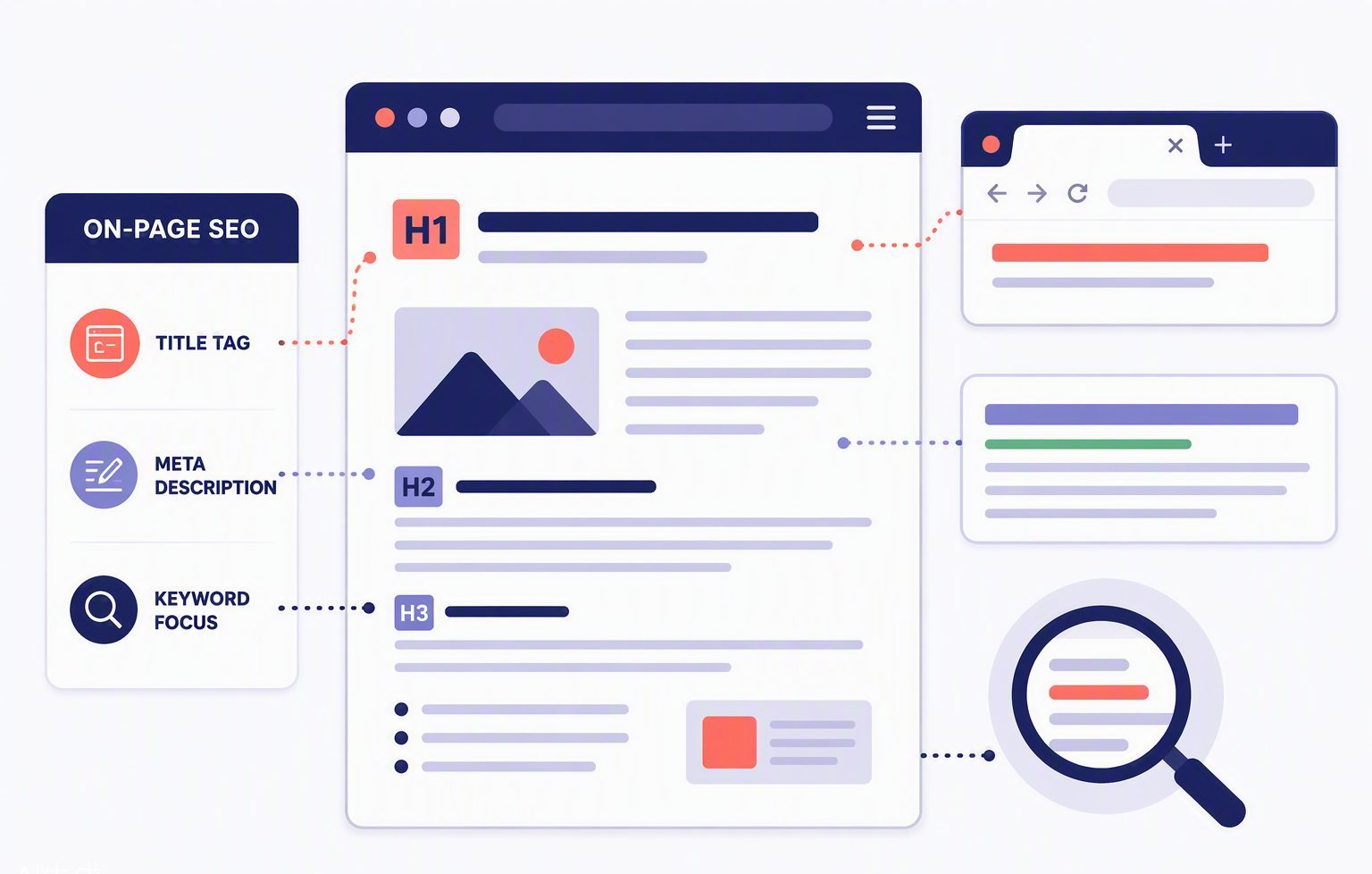
On-page SEO is everything you control directly on your website: the words, the headings, the titles, the links. It is the part of SEO with the fewest moving pieces — and the part most small business websites get wrong. Here are the basics, in plain English.
Start with one keyword per page
Every page should target one main search term. Your homepage might target “plumber in Maidstone”; a service page targets “boiler repair Maidstone”. One page, one job. Trying to rank a single page for everything means ranking it for nothing.
The title tag: your headline in Google
The title tag is the blue clickable line in search results. Keep it under 60 characters, put the keyword near the front, and give people a reason to choose you: “Boiler Repair Maidstone | Same-Day Service — Smith & Sons” beats “Home” every single time.
Meta descriptions earn the click
Descriptions do not directly affect rankings, but they decide whether anyone clicks. Write them like an advert: what you offer, where, and a call to action — all inside about 155 characters. Read our full guide to meta tags explained for the detail.
Headings give your page structure
Use one H1 (the page title), H2s for main sections and H3s beneath them. Headings help skim-reading humans and help Google understand what each section covers. Never use a heading just because you like the font size — that is what CSS is for.
Write for humans, format for scanners
- Short paragraphs — two to four sentences.
- Lists for anything list-shaped (like this one).
- Answer the question the searcher actually typed.
- Include your town or service area naturally where relevant.
Link your pages together
Every page should point visitors — and Google — to related pages using descriptive anchor text. Our guide to internal linking strategies shows exactly how, and our on-page SEO package does it all for you.
On-page SEO is not about tricking Google. It is about making it effortless for Google to understand — and recommend — what you already do well.