
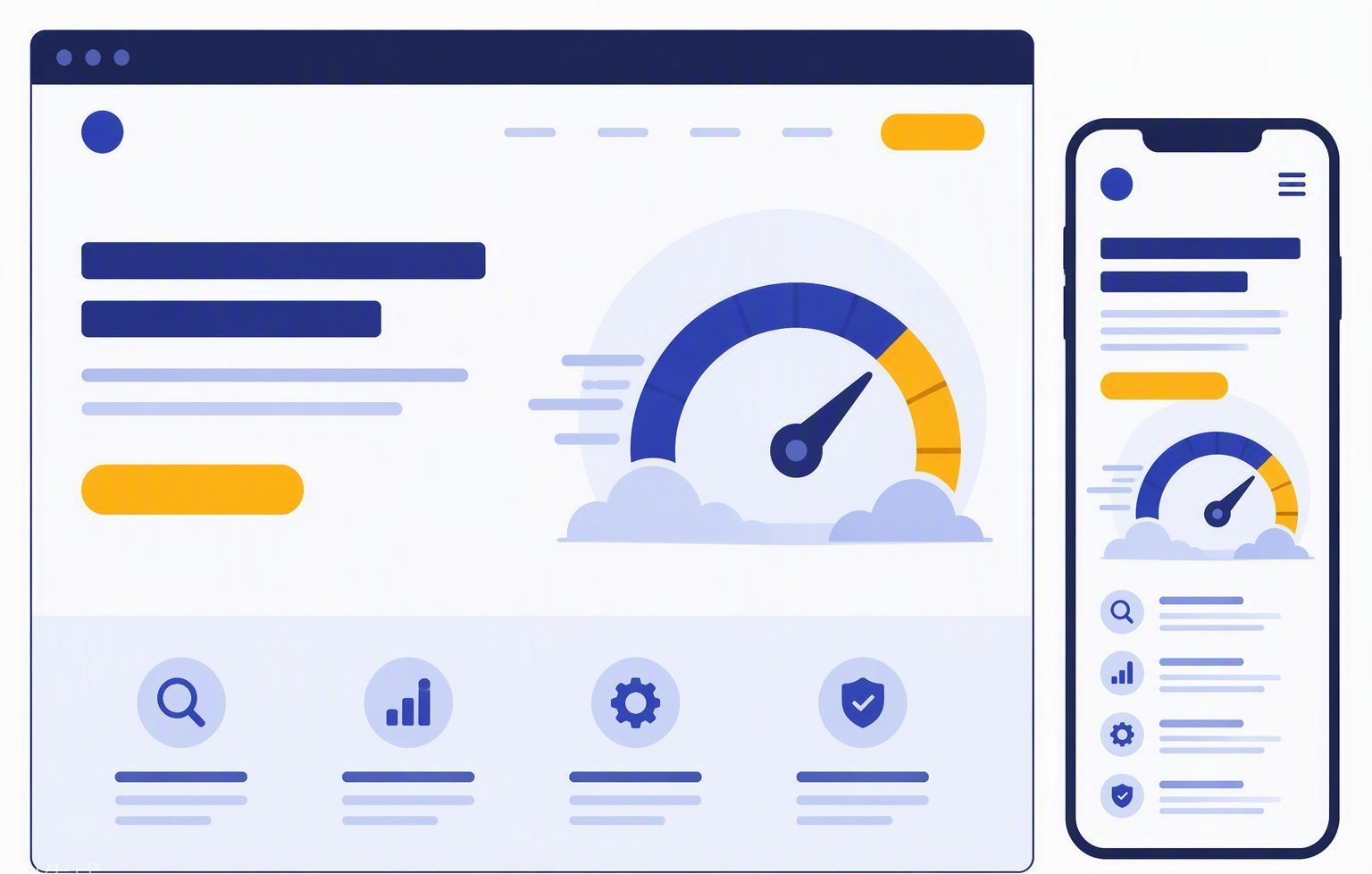
An SEO friendly website is built in a sequence. Design comes into it, but the sequence starts with what the business offers and what people search, not with a theme. If you pick colours first and invent the pages later, you usually end up with a homepage that tries to say everything and inner pages that say the same thing again.
This is a practical order for a UK service business: decide the pages, name the URLs, write the pages so each one can rank on its own, then deal with speed, links and the bits Google needs to crawl. You can do this on a new build or as a tidy-up of a site that already exists.
Start with the pages you actually need
List the services you want enquiries for. Each one that has its own search demand deserves its own page. “Boiler repair” and “boiler servicing” are often different jobs and different searches. Putting both in one scrolling essay makes it harder for Google to tell which URL should show, and harder for the visitor who only wanted a service.
Add the pages a real customer expects: about, contact, and sometimes a prices or coverage page if the answer is stable. Add a blog only when you have questions worth answering. Empty categories and “coming soon” URLs are not an SEO friendly website. They are unfinished rooms that still get crawled.
Give every page one address
Choose the simplest URL that describes the page, in lowercase, with hyphens. Keep the address stable. If you later change it, redirect the old one. Do not let the same page exist with and without a trailing slash, or on both www and the bare domain, unless one of them permanently redirects to the other.
The title in the browser tab should be unique. So should the meta description. The description is the advert under the blue link. Include the place and the offer, and a reason to click, such as the phone number or the area you cover, without writing a paragraph Google will cut off. Our guide to on-page SEO basics goes through titles and headings in more detail.
Write the page for the person who landed there
Assume the visitor did not see your homepage. The service page should say what the work is, where you do it, how to start, and what is not included if that prevents the wrong enquiry. Use a single main heading. Use subheadings that could stand alone as answers: cost, timing, area, what to prepare.
Put the phone number and the form where a thumb can reach them on a phone. A website that looks fine on a laptop and hides the call button on a small screen is not friendly to the way local customers actually search. The same is true of text set in pale grey on a photograph. If they cannot read it, it does not help them or the ranking.
Connect the pages on purpose
An SEO friendly website links related pages in the sentences, not only in a menu that is the same on every screen. From a guide about leaking pipes, link to the repair service with words that name the repair. From the service, link to one or two guides that answer the questions people ask before they book. That is an internal linking strategy in miniature.
Do not link every paragraph to every page. A handful of relevant links is enough. Check that no important page is left with zero links pointing at it. Orphan pages are easy to miss on a small site because you still know the URL yourself.
Make the technical layer quiet
The page should load without a long blank wait. Compress images, do not autoplay video behind the headline, and do not load a chat widget, three analytics tags and a slider before the visitor can read. Use HTTPS. Make sure the XML sitemap lists the real pages and that robots.txt is not blocking them by accident.
Add structured data that matches the visible page: the business name, address, phone and hours on the contact or homepage, and an article date on guides. Do not invent reviews or star ratings the page does not show. Search Console will tell you if Google cannot read a page. A weekly look at coverage and queries is enough for most small sites.
Launch, then improve the pages that get seen
After launch, do not rewrite the whole site every month. Watch which queries bring impressions. If “seo friendly website” or your own service phrase shows the wrong URL, strengthen the right page and link to it from the pages that currently rank. If a page gets impressions and no clicks, the title and description are the first things to tighten.
Building in this order keeps the design in service of the pages, instead of the other way round. If you would rather hand over the page list, the copy and the build, see the website design services or send the pages you already know you need.